Discord.gd
=========================================
###### (Get it from Godot Asset Library - https://godotengine.org/asset-library/asset/1010)
### A Godot plugin to interact with the Discord Bot API. Make Discord Bots in Godot!
> 100% GDScript
#### Godot version compatibility
- Godot 4.x - [main branch](https://github.com/3ddelano/discord.gd/tree/main)
- Godot 3.x - [godot3 branch](https://github.com/3ddelano/discord.gd/tree/godot3)
Features
--------------
- Make a Discord Bot in less than 10 lines of code
- Supports `Buttons` and `SelectMenus`
- Supports `Application Commands` aka `Slash Commands`
- Uses Godot signals to emit events like `bot_ready`, `guild_create`, `message_create`, `message_delete`, etc.
- Get User Avatar and Guild Icon as Godot's `ImageTexture`
- Uses coroutine async functions i.e Promises
## [🚀 Check out out GDAI MCP from the creator of Discord.gd](https://gdaimcp.com?ref=discordgd-readme)

#### Godot version compatibility
- Godot 4.x - [main branch](https://github.com/3ddelano/discord.gd/tree/main)
- Godot 3.x - [godot3 branch](https://github.com/3ddelano/discord.gd/tree/godot3)
Features
--------------
- Make a Discord Bot in less than 10 lines of code
- Supports `Buttons` and `SelectMenus`
- Supports `Application Commands` aka `Slash Commands`
- Uses Godot signals to emit events like `bot_ready`, `guild_create`, `message_create`, `message_delete`, etc.
- Get User Avatar and Guild Icon as Godot's `ImageTexture`
- Uses coroutine async functions i.e Promises
## [🚀 Check out out GDAI MCP from the creator of Discord.gd](https://gdaimcp.com?ref=discordgd-readme)
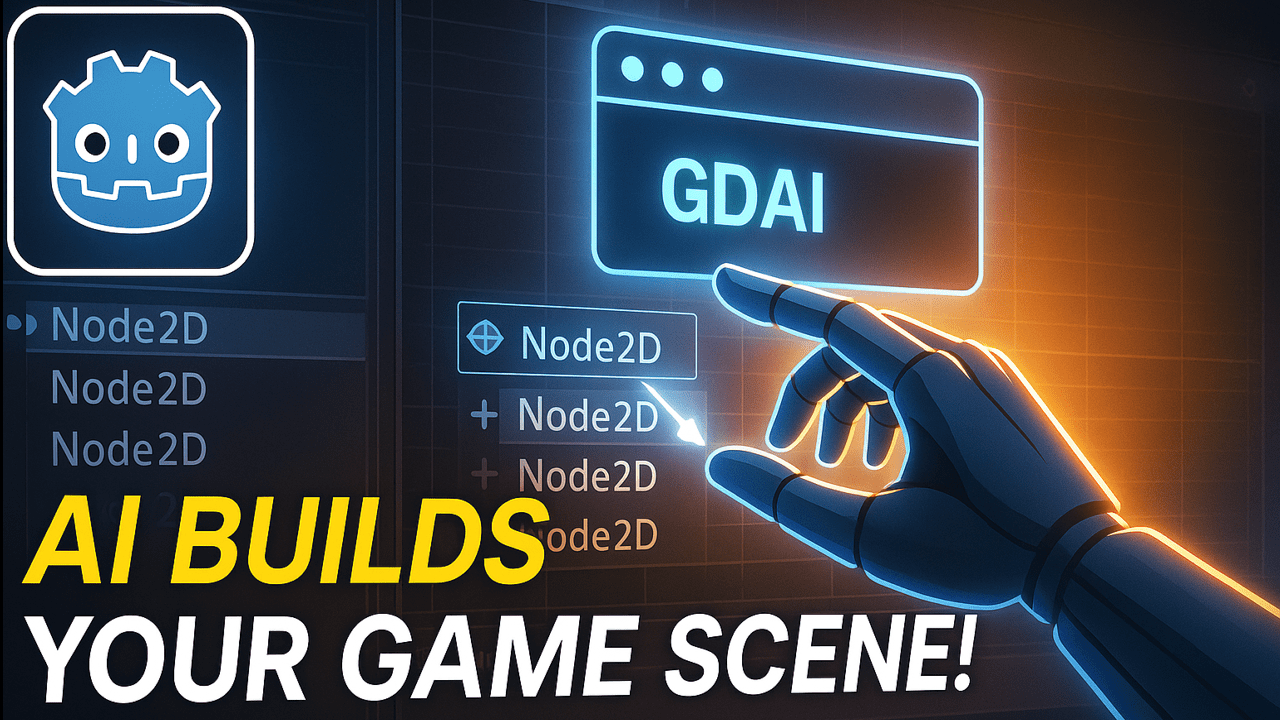 Supercharge your Godot 4.2+ workflow with GDAI MCP – the ultimate Godot MCP server that lets AI tools like Claude, Cursor, Windsurf, VSCode and more automate scene creation, node editing, reading godot errors, creating scripts, debugging, and more.
Vibe code like never before!
### 🔗 **[https://gdaimcp.com](https://gdaimcp.com?ref=discordgd-readme)**
Installation
--------------
This is a regular plugin for Godot.
Copy the contents of `addons/discord_gd` into the `addons/` folder in the same directory as your project, and activate it in your project settings.
The plugin now comes with no extra assets to stay lightweight.
If you want to try an example scene, you can see the examples from: [Discord.gd Examples](https://github.com/3ddelano/discord_gd_examples)
> For in-depth installation instructions check the [Installation Wiki](https://3ddelano.github.io/discord.gd/installation)
> Note: You will need a valid Discord Bot token available at [Discord Applications](https://discord.com/developers/applications)
Getting Started
----------
1. After activating the plugin. There will be a new `DiscordBot` node added to Godot.
Click on any node in the scene tree of your scene for example `Root` and add the `DiscordBot` node as a child.
2. Connect the various signals (`bot_ready`, `guild_create`, `message_create`, `message_delete`, etc) of the `DiscordBot` node to the parent node, either through the editor or in the script using the `connect()` method.
3. Attach a script to the `Root` node.
```GDScript
extends Node2D
func _ready():
var discord_bot = $DiscordBot
discord_bot.TOKEN = "your_bot_token_here"
discord_bot.login()
discord_bot.bot_ready.connect(_on_DiscordBot_bot_ready)
discord_bot.message_create.connect(_on_DiscordBot_message_create)
func _on_DiscordBot_bot_ready(bot: DiscordBot):
print("Logged in as %s#%s" % [bot.user.username, bot.user.discriminator])
print("Listening on %d channels and %d guilds." % [bot.channels.size(), bot.guilds.size()])
func _on_DiscordBot_message_create(bot: DiscordBot, msg: Message, channel: Dictionary):
print("New message from %s: %s" % [msg.author.username, msg.content])
if msg.author.bot:
return
await bot.reply(msg, "Hi!")
```
[Documentation](https://3ddelano.github.io/discord.gd)
----------
Contributing
-----------
This plugin is a non-profit project developped by voluntary contributors.
### Supporters
```
- YaBoyTwiz#6733
```
### Support the project development
Supercharge your Godot 4.2+ workflow with GDAI MCP – the ultimate Godot MCP server that lets AI tools like Claude, Cursor, Windsurf, VSCode and more automate scene creation, node editing, reading godot errors, creating scripts, debugging, and more.
Vibe code like never before!
### 🔗 **[https://gdaimcp.com](https://gdaimcp.com?ref=discordgd-readme)**
Installation
--------------
This is a regular plugin for Godot.
Copy the contents of `addons/discord_gd` into the `addons/` folder in the same directory as your project, and activate it in your project settings.
The plugin now comes with no extra assets to stay lightweight.
If you want to try an example scene, you can see the examples from: [Discord.gd Examples](https://github.com/3ddelano/discord_gd_examples)
> For in-depth installation instructions check the [Installation Wiki](https://3ddelano.github.io/discord.gd/installation)
> Note: You will need a valid Discord Bot token available at [Discord Applications](https://discord.com/developers/applications)
Getting Started
----------
1. After activating the plugin. There will be a new `DiscordBot` node added to Godot.
Click on any node in the scene tree of your scene for example `Root` and add the `DiscordBot` node as a child.
2. Connect the various signals (`bot_ready`, `guild_create`, `message_create`, `message_delete`, etc) of the `DiscordBot` node to the parent node, either through the editor or in the script using the `connect()` method.
3. Attach a script to the `Root` node.
```GDScript
extends Node2D
func _ready():
var discord_bot = $DiscordBot
discord_bot.TOKEN = "your_bot_token_here"
discord_bot.login()
discord_bot.bot_ready.connect(_on_DiscordBot_bot_ready)
discord_bot.message_create.connect(_on_DiscordBot_message_create)
func _on_DiscordBot_bot_ready(bot: DiscordBot):
print("Logged in as %s#%s" % [bot.user.username, bot.user.discriminator])
print("Listening on %d channels and %d guilds." % [bot.channels.size(), bot.guilds.size()])
func _on_DiscordBot_message_create(bot: DiscordBot, msg: Message, channel: Dictionary):
print("New message from %s: %s" % [msg.author.username, msg.content])
if msg.author.bot:
return
await bot.reply(msg, "Hi!")
```
[Documentation](https://3ddelano.github.io/discord.gd)
----------
Contributing
-----------
This plugin is a non-profit project developped by voluntary contributors.
### Supporters
```
- YaBoyTwiz#6733
```
### Support the project development
 Want to support in other ways? Contact me on Discord: `@3ddelano#6033`
For doubts / help / bugs / problems / suggestions do join: [3ddelano Cafe](https://discord.gg/FZY9TqW)
Want to support in other ways? Contact me on Discord: `@3ddelano#6033`
For doubts / help / bugs / problems / suggestions do join: [3ddelano Cafe](https://discord.gg/FZY9TqW)